
What is MyKidsDraw?
It is drawing play with no right answer. The screen shows just one line, one face or one empty box, and your child fills in the rest.
Try drawing nowWhy unfinished pictures?
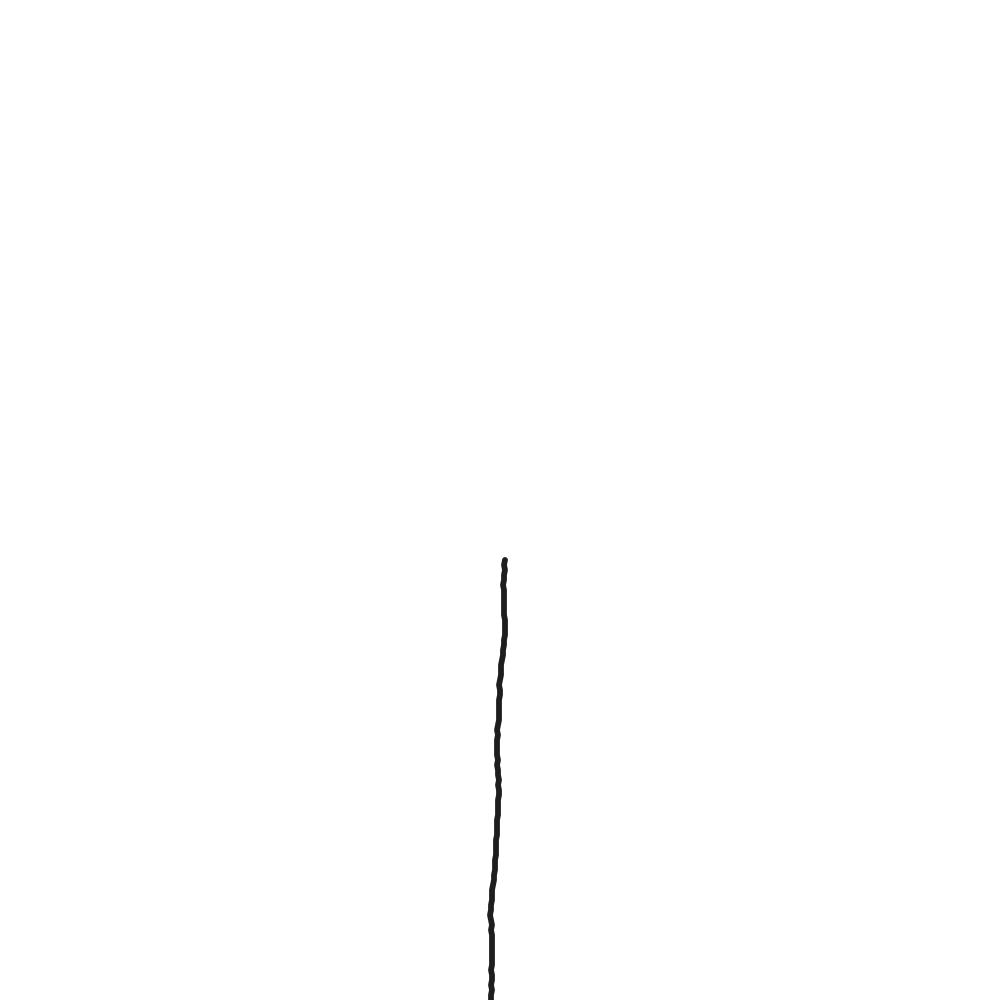
Give a child a blank sheet of paper and they often stop and ask, “What am I supposed to draw?” A finished coloring page, on the other hand, leaves only the filling-in, with little room to imagine. MyKidsDraw aims for the middle. With the title “Let's draw a flower” and a single vertical line, a child turns that line into a stem and decides which flower to grow and how many to draw. Ask ten children to finish the same picture and you get ten different drawings.
What pictures are included?
There are 150 pictures in all, with themes taken from children's everyday lives. Each picture has its own page, so in the full list of pictures you can preview the starting sketch and the notes for grown-ups, then go straight to drawing.
How to use it
- Read your child the question in the black box at the top left of the drawing screen. It is a short suggestion, such as “Let's draw today's outfit.”
- Choose one of the tools below. The pencil draws thin lines, the brush draws thick ones, and the crayon layers on softly. Tap the paint bucket to fill a closed area with color in one go.
- Pick from 12 colors and 3 line sizes and draw freely. If something goes wrong, use the eraser or Undo.
- When the picture is done, use the Save button to download it as a PNG image file, then print it or send it to family.
- Move to another picture with the arrows on either side or the List button. The drawing in progress stays on the device automatically, so your child can pick it up again later.
For parents and teachers
- The recommended age is 4 to 7. We made the buttons large and kept text to a minimum so that children who can't read yet can start as soon as a grown-up reads the title aloud.
- There is no sign-up, no login, and nowhere at all to enter a name or a photo. Your child's drawings are not sent to a server; they are saved only on the device being used.
- Nothing is marked right or wrong. Rather than whether it is drawn well, ask “Why did you draw it like that?” A picture becomes much richer once it has a story.
- On a tablet you can add it to the home screen and use it like an app, and the Full screen button hides the browser menus so your child can focus on the picture.
- To learn more about drawing play, read Drawing for Kids: A Creativity Guide.
Frequently asked questions
Is MyKidsDraw free?
Yes. Anyone can use it for free, with no sign-up and no payment. Non-personalized ads may appear on some pages to cover running costs.
What age is it for?
We recommend it for ages 4 to 7. We made the buttons large and kept text to a minimum so that children who can't read yet can start as soon as a grown-up reads the title aloud.
What is an unfinished picture?
Only part of a sketch is drawn on the screen, such as one line, one face or one empty box, together with a question like “Let's draw today's outfit” or “What's inside the box?” Your child fills in the rest from their own imagination. Because there is no right answer, every child finishes the same picture differently.
How many pictures are there?
There are 150. The themes come from children's everyday lives and curiosity: faces and bodies, animals, food, vehicles, nature and space, shapes and lines, magic and adventure, and more.
Where are my child's drawings saved?
They are not sent to a server. They are saved automatically, and only in the browser on the device being used. Tap the Save button to download a drawing as a PNG image file, then print it or send it to family.
Which devices does it work on?
It runs directly in the web browser with nothing to install. Tablets, phones and computers are all supported, and you can draw by touch, with a stylus or with a mouse. On a tablet you can add it to the home screen and use it like an app.
Is it available in other languages?
It is available in Korean, English, Japanese, Spanish, French, Chinese (Simplified and Traditional) and Russian. Each language has its own address, and you can switch with the Language button on the drawing screen or the language links at the bottom of each page.
Can I use it in a kindergarten or school lesson?
Yes. Educational institutions may use it in lessons without asking for permission. The only restrictions are on reselling the starting sketches commercially or including them in other teaching materials without permission.
Who made it?
MyKidsDraw is a personal project, built and run single-handedly by a dad raising a child, who writes under the pen name “Drawing Dad” (그림 아빠 in Korean). It is not a company or an institution, and he is not a trained expert in art or child development.
When we drew together, my child would hesitate in front of a blank sheet of paper, but if I drew just one line or one circle, the response was quick: “That's a flower!” A story followed, and the picture got finished. MyKidsDraw is that game moved to the web, so it is there whenever you want it. The service launched in September 2026.
Operator details and contact information are on the Contact page.
How the content is made
- Pictures — All 150 starting sketches and questions are original. We keep adding more, focusing on the themes that went down best when drawn with children.
- Picture notes and the guide — These are written from a parent's point of view and include only things you can try at home right away. They draw on widely known, general information, and we do not use a child's drawings to diagnose their psychology or development. If something worries you, we recommend talking to a professional.
- Corrections — If you tell us about anything that is wrong or could be misleading, we will check it and fix it. Please write to us via Contact.
- Ads and independence — Ads are there to cover running costs, and advertisers have no say in the content.
How the service is run
MyKidsDraw is provided free of charge, and ads may appear on some pages to cover running costs. Because the service is used by children, we do not use personalized ads. For details, please see the Privacy Policy and the Terms of Use. Suggestions and error reports are gratefully received at [email protected].